

Products featured
How many times has a customer asked to use Apple Pay or Google Pay, only to find out you don’t accept contactless payments? They might stand there trying to remember their PIN, worry that they’ve left their card at home, or simply cut their losses and say they’ll “come back later.”
That’s where accepting NFC payments can help. By letting customers pay with a quick tap from their phone, smartwatch, or contactless card, you can make it easier for customers to check out with a payment method they expect.
The good news is that you don’t need a traditional payment terminal to get started. In this article, we’ll share how to set up NFC payments on your mobile device (iOS or Android) or how to use a simple NFC card. We’ll also explain how NFC payments work and how you can use them to grow your business in the UAE.
We’ll cover:
- How do NFC payments work?
- How can you use NFC payments to grow your business?
- How NFC payments work with Ziina’s Tap to Pay solution
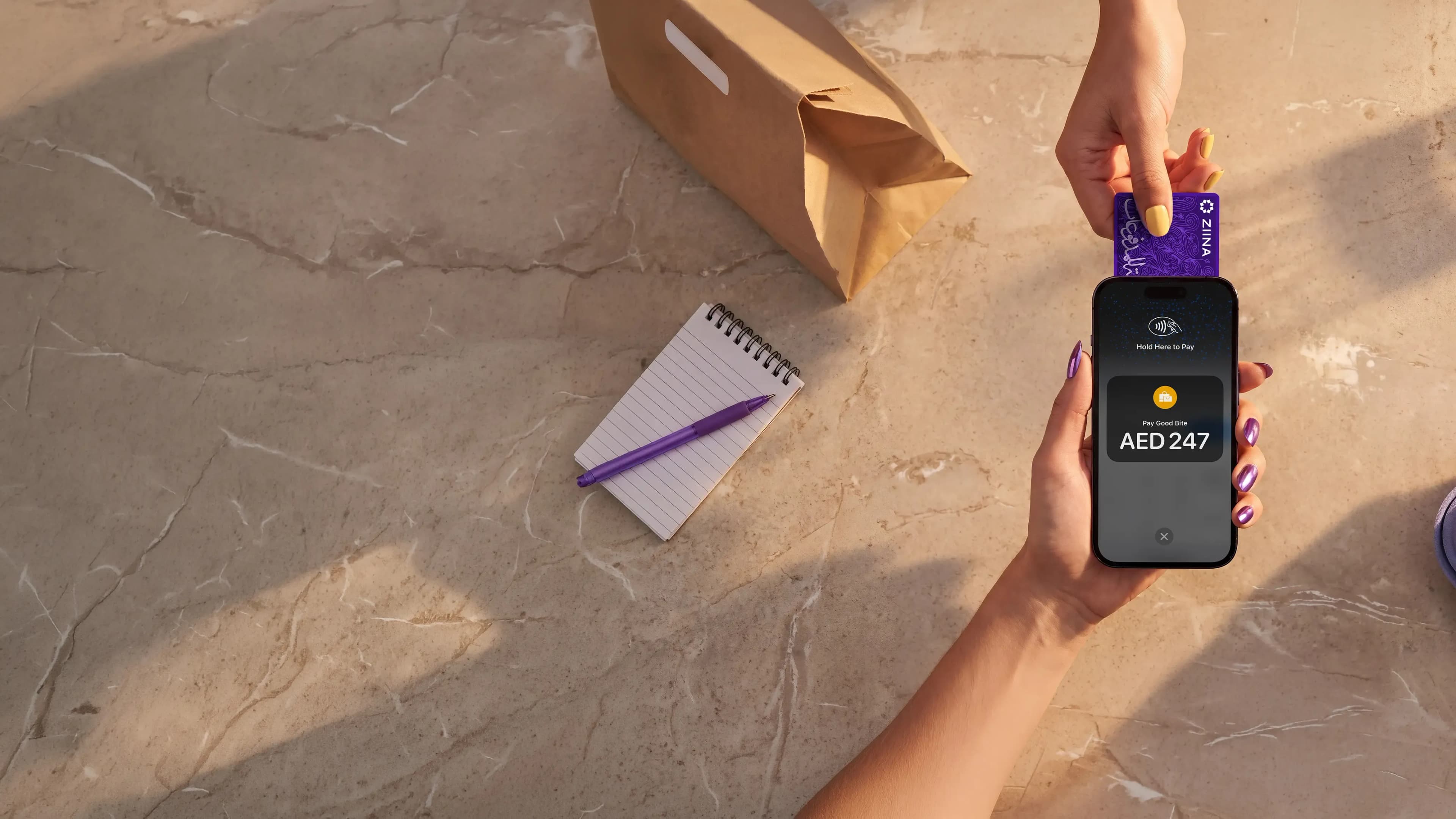
Ziina is a digital payments app built for UAE businesses that want a convenient and simple way to accept NFC payments. When you sign up with Ziina, you turn your phone into a POS machine with Tap to Pay and have your customers pay on the spot with Apple Pay, Google Pay, or card. You can also display a physical NFC card, which lets your customers tap and pay just the same.
How do NFC payments work?
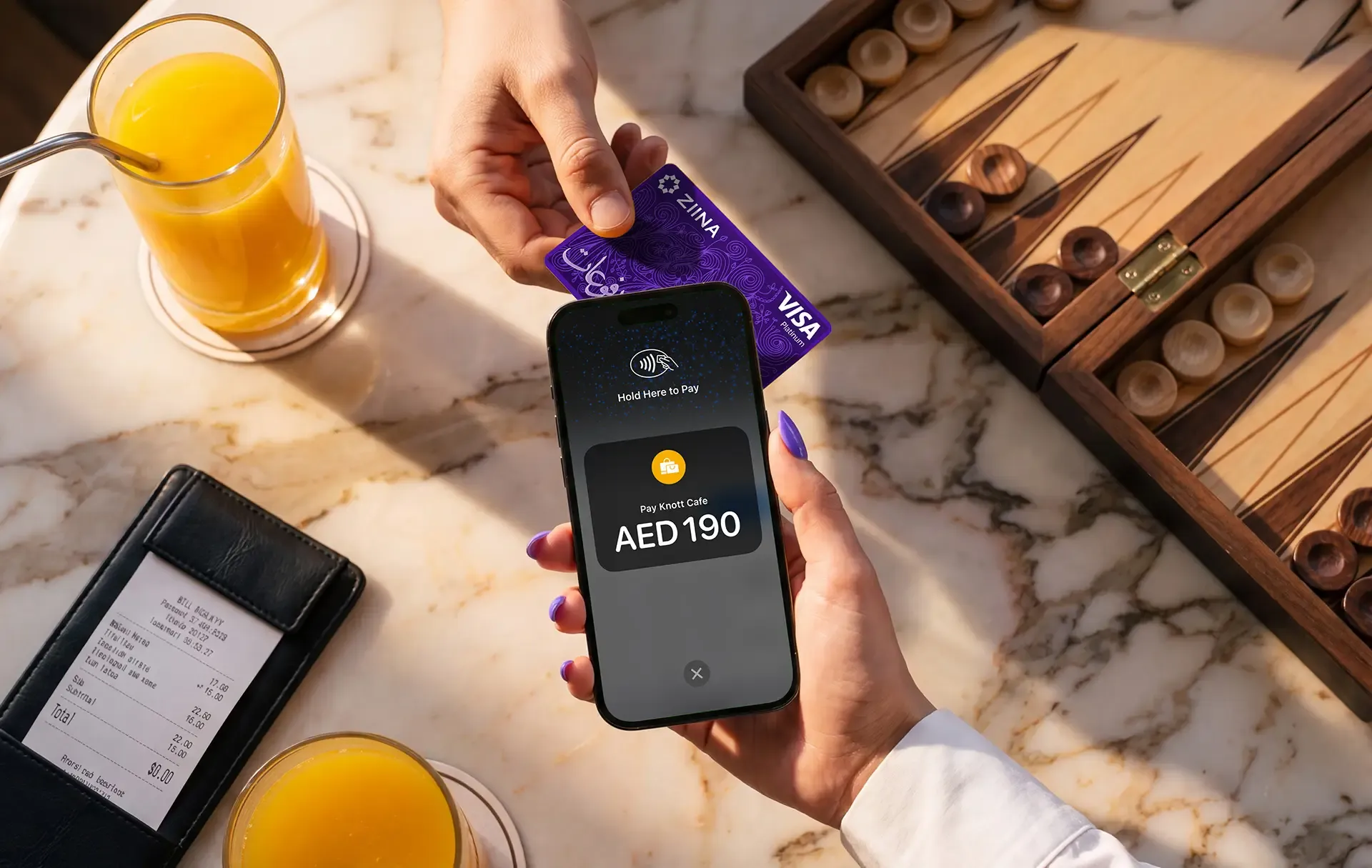
NFC (near field communication) is what allows two devices to communicate wirelessly when they’re close together. It’s a short process that only takes a few seconds – you’ve likely seen it when someone pays with a contactless card or digital wallet (like Apple Pay or Google Pay). Any time someone pays by tapping, that’s NFC technology in action.
One thing to note is that NFC and Tap to Pay aren't quite the same thing. NFC is the technology that makes contactless payments possible, while Tap to Pay is one way businesses can use it to accept payments.
For example, businesses can accept NFC payments via:
- Tap to Pay on a smartphone: Turns a compatible smartphone into a contactless payment terminal.
- NFC cards: Businesses can use physical NFC-enabled cards that customers tap with their smartphones to open a payment link. These can be especially useful for temporary staff, volunteers, or employees collecting payments in different locations.
So… how does contactless technology work with payments? Here’s what happens when a customer taps their card or mobile wallet against an NFC-enabled device:
- 1.Tap: The payment terminal creates a short-range wireless field. When a customer brings their contactless card close, it picks up this field and powers the NFC chip inside. With a phone or watch, the digital wallet may need to be opened first, and the customer may need to unlock the device or confirm the payment with facial recognition, a fingerprint, or a passcode.
- 2.Secure payment: Once the card or device is ready for payment, it sends a one-time encrypted code and a token (that stands in for the real card number) to the payment terminal.
- 3.Payment check: The encrypted information travels through the payment network to the customer’s bank, which checks their available balance and decides whether to approve the transaction or not.
- 4.Approval: The response comes back to the terminal, and if approved, the sale is recorded, and the payment moves through the normal settlement process.
Read more: How to accept credit card payments on a phone in the UAE
Different ways that UAE businesses can use NFC
| Business type | How NFC capabilities can make your life easier |
|---|---|
Pop‑up shops, market stalls, and seasonal sellers | You can accept card and wallet taps at festivals, weekend markets, or temporary event spaces. A customer without cash can still pay with a tap. |
Cafés, restaurants, and bakeries | Take payments quickly at the counter or directly at the table. NFC helps reduce queues during busy periods, speed up table turnover, and give customers a smoother, more convenient dine-in or takeaway experience. |
Beauty and wellness studios | Collect payments as soon as you’ve completed the service and create a premium, “no‑hassle” checkout that matches the high‑end service experience you’ve just delivered. No need to chase invoices or wait for bank transfers. |
Contractors or service providers that travel to their clients’ locations | Accept payment right after completing the job at your customer’s home or office. This helps you get paid on the spot and can help reduce the amount of no‑shows and late payments you deal with. Plus, it can look more professional! |
Read more: Tap to Pay: How to accept payments without a card machine in the UAE
How NFC payments work with Ziina’s Tap to Pay and NFC cards
Ziina is a digital payments app that was built to help UAE freelancers, pop-up vendors, and small-to-medium-sized businesses easily accept payments.
Our Tap to Pay solution lets you turn your phone into an NFC-enabled payment terminal: You just open the Ziina app*, enter the payment amount, and have your customer tap their phone onto yours. That’s it – payment complete. For your customer, the experience is similar to tapping a card on a regular card terminal.
Traditional POS terminals can involve upfront fees, may take time to arrive, and can be bulky or costly to maintain. Tap to Pay doesn’t need separate hardware.
Plus, it’s not complicated to set up Ziina’s Tap to Pay on iPhone or Android. In fact, all you need to get started is a Ziina Business account, your NFC-enabled phone, and the Ziina app.
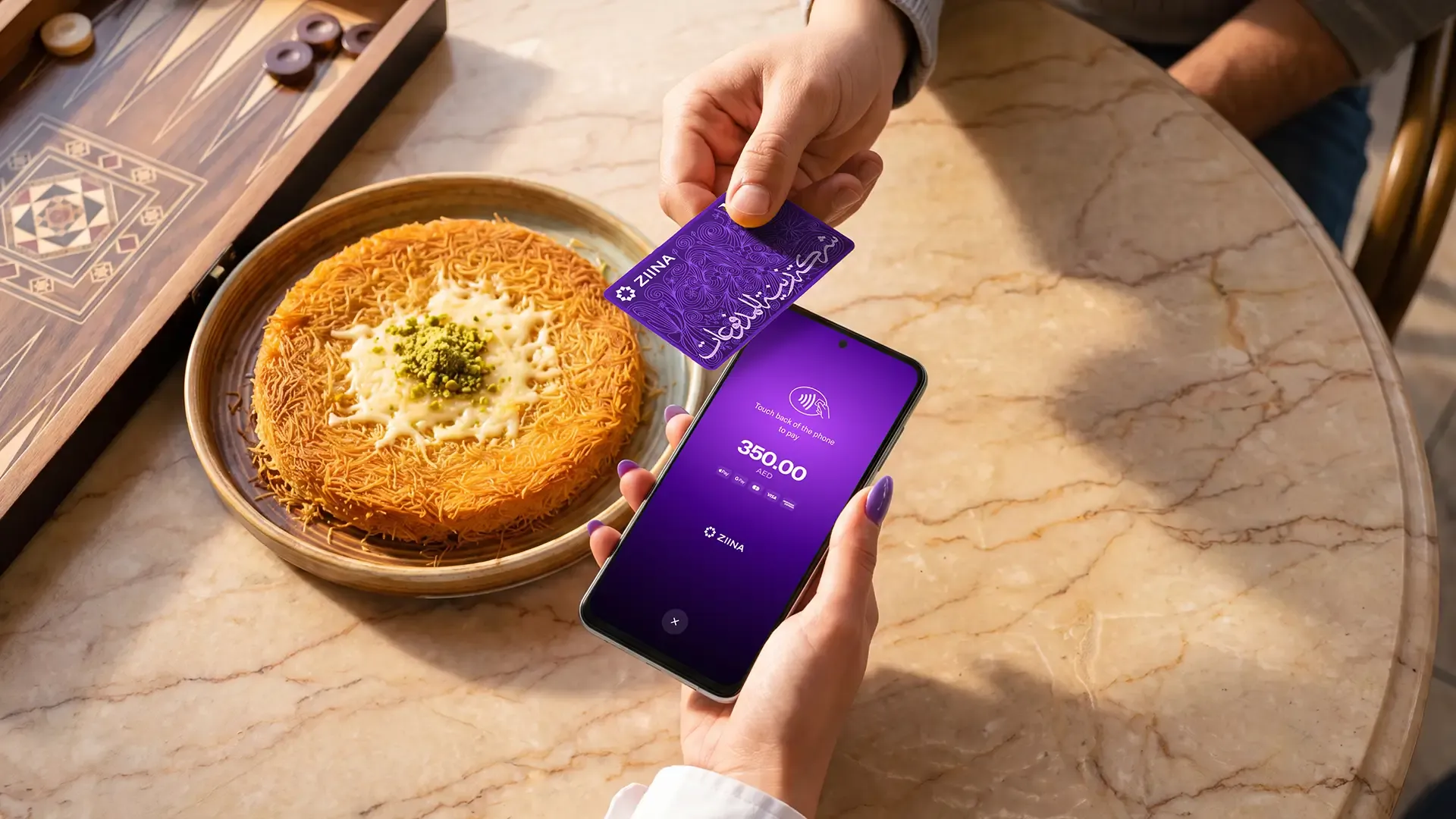
Once you sign up for Ziina, you’ll be able to accept major credit and debit cards, as well as Apple Pay and Google Pay from your customers.
With Tap to Pay, you can also set up sub-accounts for your employees and give them all different levels of permission. In practice, this means your team can collect payments on their phones while you maintain full control over the account data (and all the money that’s been collected). Each added staff member will need their own verified Ziina account, though these are free to create with a valid Emirates ID, subject to verification.
For example, our customer Hind Fabrics relies on it for everyday payments:
“Ziina's Tap to Pay is pure magic! As soon as it launched in April 2025, we moved 90% of all our transactions to Tap to Pay. My team and I use it on three devices—there are no network lags, invoices are digital, and payments settle instantly."”
Read the full case study here.
We also offer physical Ziina NFC cards. If you don’t have your phone on hand, customers simply tap their phone on your NFC card to pay.
Tap. Pay. Done.
Here’s what else you can do with Ziina:
Benefit from transparent pricing, quick cashouts, and advanced NFC security measures
Ziina’s Tap to Pay has no setup fees or subscription fees. Payment processing costs 2.6% + AED 1 per transaction, plus applicable VAT, with an additional 1.5% for international cards. Please check our pricing page for more details.**
With Ziina’s business account, card payments are available the following day at 12 PM GST for most merchants. Ziina also offers instant settlements for eligible merchants. Cashouts to your linked bank account are instant (subject to bank processing times).
Ziina Payment LLC is licensed by the Central Bank of the UAE and ensures compliance with local regulations. To help protect your data, Ziina uses PCI-DSS certified technology and advanced encryption – in other words, no sensitive card data is stored on your physical phone, which means your credit card numbers and PINs remain completely inaccessible if your phone gets lost or stolen.
If you ever need help, you can chat to our customer support team. Ziina was built with the goal of serving UAE businesses, which is why our customer support is available in both English and Arabic.***
Accept payments across several channels with Ziina’s all-in-one payment app
If you’re looking to open up some new payment channels, whether that’s in-person or online, there’s no need to sign up for new software to do so. Instead, you can just use Ziina for everything.
For example, alongside our Tap to Pay solution, we also offer:
- Payment links: Create and share a unique URL that allows customers to pay simply by clicking on the link and entering their card details. You can share payment links through your social media channels, email, SMS, or invoices.
- QR code payments: Share a QR code with your customers and make it easy for them to pay by scanning it with their phone cameras. Alongside digital QR codes, we also offer printed QR stands which you can place right on your countertop and have several people scan at once, which helps to reduce queues.
- Payment gateway: You can add Ziina’s smoother branded checkout to your website to help make your payment process faster and more trustworthy. If you’ve used a website builder (such as Shopify or WooCommerce), you can add a Ziina payment gateway plugin to your store easily – it’s simple to set up, doesn’t require a developer, and works right out of the box.
Plus, you can mix-and-match our payment solutions to find a setup that works for you.
Regardless of which channels you sell through, all your payments will land right into your account, which allows you to track sales across your channels and see exactly when a customer has paid.
Accept NFC payments with Ziina
As a UAE business, you’ve probably noticed that more and more customers are expecting to pay with Apple Pay, Google Pay, and other contactless payment methods. The good news is that you don’t need to splurge on new POS machines to keep up. In fact, you don’t need to look very far at all.
With Ziina’s Tap to Pay solution, you can turn your phone into an NFC-enabled POS machine and accept contactless payments right from the Ziina app. Ziina also offers physical NFC cards, so you can take payments even when you don’t have your phone on you.
Customers tap their phone on your card to open the payment page, then complete the payment.
Ready to start accepting NFC payments?
*Disclaimer: With Ziina, some users may be able to get started with basic verification, such as Emirates ID verification, but requirements may vary depending on the user’s business activity, transaction volume, account type, and applicable legal or licensing obligations. Customers remain responsible for ensuring they hold any trade license, permit, tax registration, or other approval required for their business activities.
**Disclaimer: Fees shown reflect publicly available standard pricing and may vary depending on card type, transaction volume, currency, settlement arrangement, additional services, and VAT. For the most up-to-date information, consult individual providers.
***Disclaimer: Availability of Ziina products and features is subject to eligibility, successful verification, device compatibility, applicable transaction limits, Ziina’s terms and conditions, and regulatory requirements. Customers are responsible for ensuring they hold any trade license, permit, tax registration, or other approval required for their business activities. Fees, limits, payout timelines, and product features may vary and are subject to change. Please refer to Ziina’s latest terms and pricing for full details.
This article was published in November, 2026.